
25%
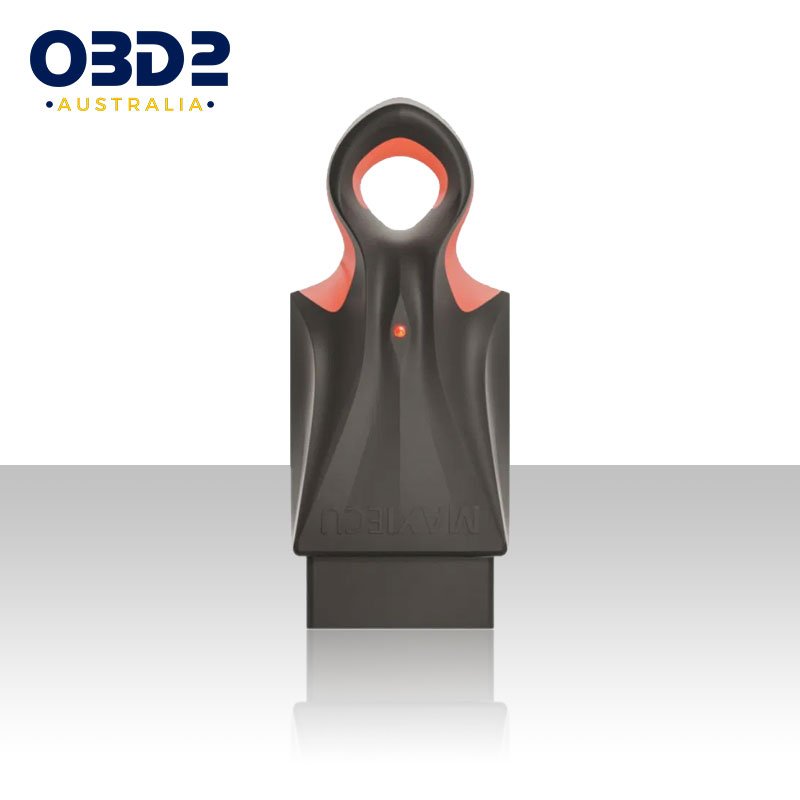
MaxiECU Full System OBD2 Windows Diagnostic Scan Tool
$ 91.14
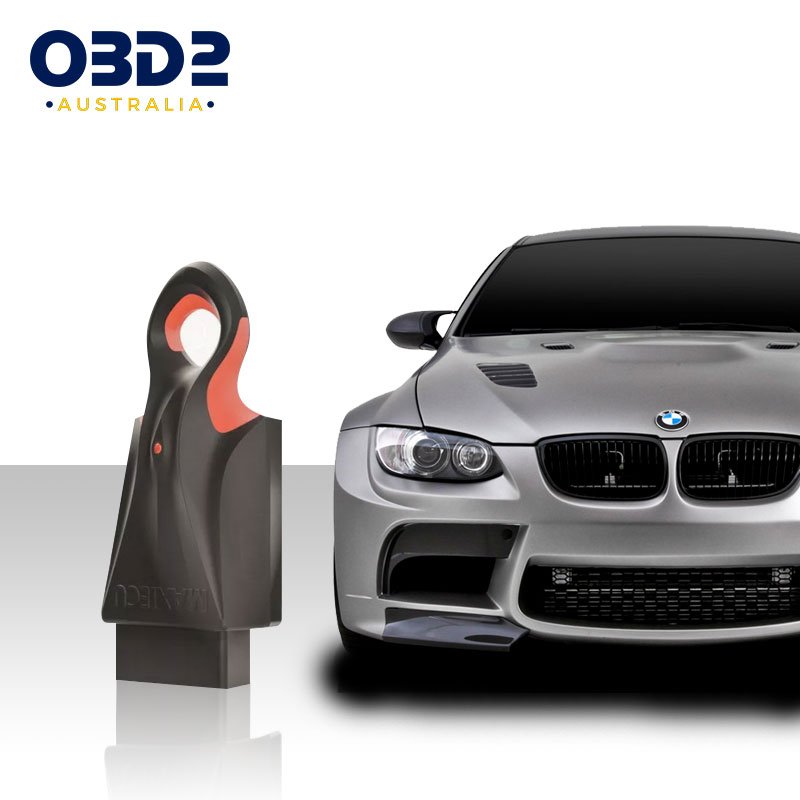
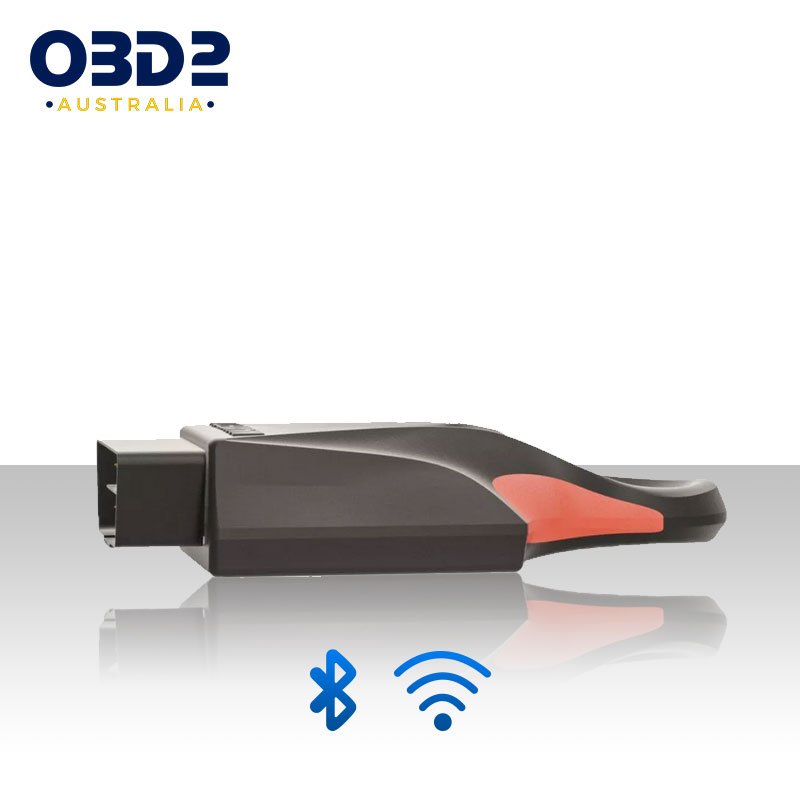
About MaxiECU Full System OBD2 Diagnostic Tool The MaxiECU Full System OBD2 Diagnostic Tool connects seamlessly to Windows laptops or tablets via stable Bluetooth or WiFi. Customize coverage by purchasing specific car brands, expanding as needed. Access engine, ABS, transmission, and more with service tests, adaptations, and resets. Enjoy lifetime software updates, multi-device installation, and a 6-month warranty for comprehensive vehicle maintenance and diagnostics. A RELIABLE TOOL FOR EVERY CAR USER*Choose from the list one or several brands that you want to diagnose. MODULAR CONSTRUCTION The Module version is one of the most popular MaxiEcu product. The one of the reasons of that popularity is a modular design, which allows you to extend the software license by additional brands. For example, if you change your car – you don’t need to buy a different program – just extended your license by a new, selected brand. It is an ideal solution to gain time and save money. ADVANCED FUNCTIONS, EASY TO USE MaxiEcu provides also access to advanced capabilities. Majority of products on the market give results limited only to the diagnostics of engine (the OBD2). MaxiEcu has much more possibilities – provides access to service diagnostics, including: DPF regeneration, brake caliper reversal, ABS, AirBag, AT, ESP, Immo, UPS , BCM and many more. To get comprehensive knowledge about the technical condition of the vehicle – You just need a computer or tablet with the Windows Operating System. Intuitive design allows you to quickly start diagnostics – without need to read the extensive instructions. Thanks to this MaxiEcu is a tool dedicated both as support for professional workshops and for private use. Check the full list of currently available diagnostic options for each model – using our search engine – FUNCTIONALITY tab INNOVATIVE SOLUTIONS - MAXIECU IV GEN New 2020 !! Interface with fully electronic multiplexer, 13 double data bus lines. Dual-core 32 bit Xtensa® processor. Wifi wireless connectivity – compatible with 802.11 b / g / n standard and maximum transmission speed up to 150 Mbps. Bluetooth wireless connectivity – compatible with the BR / EDR v4.2 standard and BLE specification. Made of ABS material, resistant to shocks, moisture, dust and high temperature amplitudes. Ergonomic shape and interesting design. The fourth generation of the interface is a new generation of comfort and quality in car diagnostics. Detailed description of the parameters in the SPECIFICATION tab. INDIVIDUAL USER ACCOUNT After purchase, you will receive an email with an activation link to Your Account on MaxiEcu Website . By logging into your Account you have acces to technical support, so you can report and ask about all topics regarding the use of MaxiEcu. Account gives you also an options to view and copy your license details. You can also get access to online shopping, and what is the most important – the access to the latest software versions. All updates of the software are free for MaxiEcu Users. ALWAYS CURRENT We constantly improve the software by expanding its scope with new car models and solutions. With MaxiEcu you can be sure of frequent, and free updates. The latest version of the software is always available in your Account on the MaxiEcu website. It is important for us to develop MaxiEcu in accordance with the expectations of the Users – if you need new functionality, you can send us your suggestions for changes via a special form on the Account. As far as it is possible to implement – we add all users’ requests as a priority. DTC CODES This function allows you to read faults codes recorded during the work of the vehicle’s electronic systems. Using it, you can easily find a reason for the irregularity by yourself, in quick way. You can also clarify the location of the fault. An effective diagnosis will reduced risk of costly and prolonged repairs. The codes received in MaxiEcu are described, so there is no need to have professional knowledge to interpret them. Before erasing, you can also save the faults in the diagnostic report in .pdf format, allowing you to keep full overview of the fault history. LIVE PARAMETERS This option in MaxiEcu allows you to view many parameters in real time. At the same time, you can observe all parameters, obtaining their detailed values. Without additional tools or a need to open the hood, you are able to work out the technical details of the vehicle and find any irregularities in the operation of the system. The obtained parameter values are presented in a clear and comprehensible way. The data can also be automatically saved to a report that you can read in a spreadsheet. GRAPHS Graphs give us enable to make a visualisation of the working of many parameters. Graphical presentation of the value is especially beneficial if you want to verify signals changing at a high frequency. Analysis as a graph is also possible while driving the vehicle, so you have the opportunity to directly observe the operation of selected parameters. Graphs have also undoubted advantage, that thanks to them, checking the correct operation of the subassembly becomes simple and clear. TESTS The basic and inseparable function during cars diagnostics. Thanks to which you can check whether a given component is working properly. The MaxiEcu software, using Tests, enables elements to be activated and checked – even if the controller doesn’t meet the conditions for the component to be switched on. The software forces switching on and off a given component and thanks to this you can, for example, check the operation of the radiator fan even on a cold engine. ADAPTATION Function recommended for professionals. It’s use may require advanced knowledge, although using it with MaxiEcu is easy. Adaptations can bring many benefits and allows us control of many vehicle components, according to the user’s preferences. Few samples of use the function: DPF soot combustion, throttle adaptation, idle speed adjustment or reset the change oil indicator lamp. CODING If you are interested in changing the control unit settings, the coding is dedicated function in MaxiEcu to this. The codings are used to enable or disable specific functions. Thanks for it you can flexibly adjust options to specific equipment or vehicle model, eg change airbag configuration, adjust the windshield wipers’ workings, change the language in the dashboard or coding the settings of daytime running lamps. AUTOMATIC VEHICLE SCAN A convenient and very easy to use function that allows you to get a quick analysis of the current state of the vehicle. After using Automatic vehicle scan, you get a full picture with the result of diagnostics of all systems displayed in the list for the selected car model. This software option allows also simultaneous, automatic erasing of registered faults during scanning. In the end you can generate the diagnostic report which will show entire done process. DRIVERS INFORMATION If you want to know the detailed control unit data and get the opportunity to view information about the diagnosed system – use the Identification function. This option will allow you to obtain detailed information about the ECU, eg the date of production, the date of the last visit at the service, engine code, part numbers or equipment versions. These data points will allow you to order spare parts according to control unit data, identify the presence of specific equipment parts in the car you intend to buy or to verify the correct component selection. Manual: MaxiEcu_MANUAL or refer to https://maxiecu.com/en/blog-en/ for an updated guide on operating your MAXIECU device. IMPORTANT: See compatibility table first prior to purchase to find out which car brands and features are covered. Compatibility and Function List: Check out what is covered on your model. Select brand ⤬ Select model ⤬ … Production year ⤬ … Select system ⤬ … System controller … Specifications Supply voltage: 8 – 16V Maximum current consumption: 100 mA Working temperature: 0°C to 50°C Storage temperature: from -20°C to 60°C Working humidity: 10% to 80% Multiplexer: Fully electronic, 13 double data bus lines Support for EOBD protocols: ISO14230, ISO9141, ISO15765, SAE J1850 Support for service protocols Honda HDS, BMW D-CAN, K-CAN, DS2, KW1281, KW71, KW82 Chrysler SCI, VAG T.P.2.0/1.6, UDS, ALDL, SCL, DDL, SCI Standards of EMC electromagnetic compatibility: EN 55022, EN 55014-1, EN 55011, IEC 61000-3-2, EN 61000-3-3, EN 61000-4-2, EN 61000-4-3, EN 61000-4-4, EN 61000-4-5, EN 61000-4-6, EN 61000-4-7, EN 61000-4-8, EN 61000-4-11 Processor Xtensa® two-core 32 bit Connectivity – Wifi Compatible with 802.11 b/g/n standard; Maximum transmission speed up to 150 Mbps Connectivity – Bluetooth Compatible with Bluetooth v4.2 BR/EDR and BLE specification; Class-1, class-2 and class-3; Transmission power 12 dBm; Sensitivity – 94 dBm; Maximum transmission speed up to 4 Mbps Data Memory 64 Mb Operational Memory 4160 Kb Maximum number of queries per sec. 40 Semiconductor Multiplexer YES DDL protocol Support (Nissan) YES SCI protocol support (Chrysler) YES SDL protocol support (Suzuki) YES ALDL protocol support (GM) YES Support for the UART bus YES LED YES NOTICE: PRODUCT LIMITATIONS – Read Before Purchase -This scan tool covers 20 years models, so some functions may not be available on all years /models.OBD2 Australia will NOT ACCEPT any change of mind returns for MaxiECU once it has been opened and/or the licence activated. *Some features will not be available on each make and model. Each make and model of car is different when it comes to which functions will and won’t work on that vehicle. No one scan tool will have every function for every vehicle. This is not indicative of a ‘faulty scanner’ as these restrictions were put in by either the dealer or manufacturer of your vehicle. Please get in touch with us first to ensure compatibility when in doubt. A special software update may be required to enable some features and functions. The software update is available in Windows only. It is the responsiblity of the buyer to execute and apply the software updates. A return with a reason “the device was not updated” will be subject to our Return Policy and Terms and Conditions as this does not constitute a “faulty” or “defective” device. Video and photo proof is required for any claim of this product as not working. The video proof must clearly show and demonstrate the claim. Returns and refunds due to incompatibility (without or against OBD2 Australia advise, or refusal to execute troubleshooting/provide the required proof) will be subject to our Returns Policy/Terms. *Some features may not be accessible due to security restrictions on your vehicle. This is not indicative of a ‘faulty scanner’ as these restrictions were put on by either the dealer or manufacturer of your vehicle. As such, returns and refunds for this reason will be subject to our Returns Policy as stated on our Terms & Conditions. OBD2 Australia is not privy to what these restrictions are, as it varies per brand, model, and year of vehicle as well as the dealership it came from. This is something that is beyond our control, and as such not a case of ‘Not as described’ or ‘Unfit for purpose’ as every buyer is informed of this limitation prior to purchase.
Related products
18%
$ 99.69
25%
$ 99.69
$ 99.69
18%
$ 99.69